Accessibility is a math problem
How do you show a heatmap visualization in high contrast mode?
A few years ago I was tasked to think through the accessibility of data visualization in high contrast mode. This was part of an extension to Microsoft’s Fluent design system, dedicated to data visualization.
If you haven’t designed for high contrast mode before - it strips the screen down to a handful of system colors. In practice you have 2-3 colors to work with, and shapes. That’s it.
For most charts that’s workable, but heatmaps are a different beast.
The problem with heatmaps
A heatmap by definition relies on the intensity of the same color. Lighter means less, darker means more. Take the intensity away and there’s nothing left to read in high contrast mode.
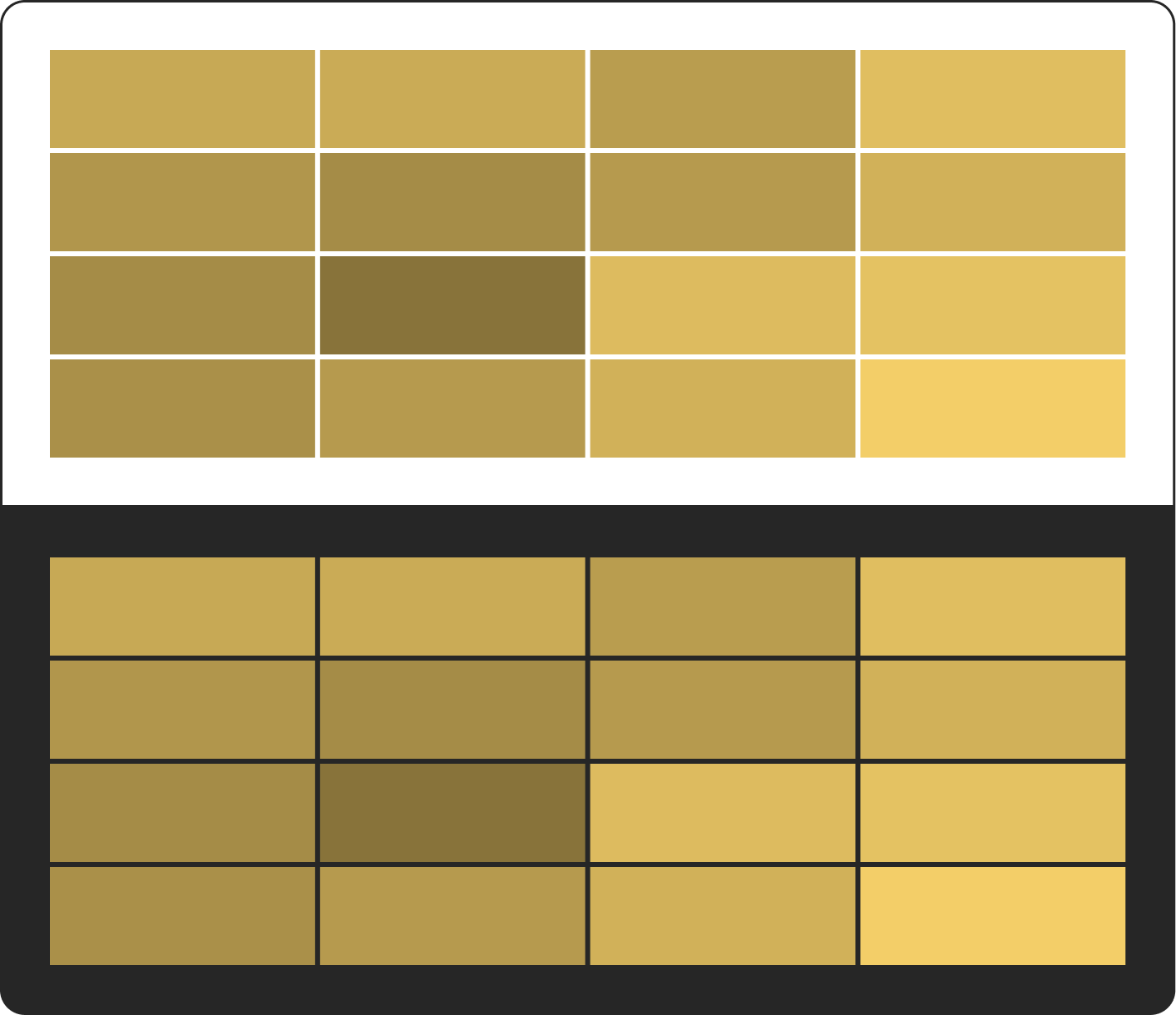
What intensity actually means
So I asked myself what is the shared thing behind how heatmaps show information. I thought a good mathematical way to describe it would be percentages. 0% is the least intensity of the color used in a heatmap, 100% is the full intensity.
Once intensity is just a number from 0 to 100, it doesn’t have to be color anymore. It can be size.
Now the question was - size of what, if I only have 2-3 colors and shapes?
Patterns that grow
I thought, well… what if I create patterns. Every color that shows in the normal or dark theme translates to a specific pattern in high contrast mode. And then I scale the size of the pattern to represent the intensity of the color.
A cell with a low value gets a small pattern, a cell with a high value is almost filled with it. You can still read the heatmap at a glance, without needing the color.
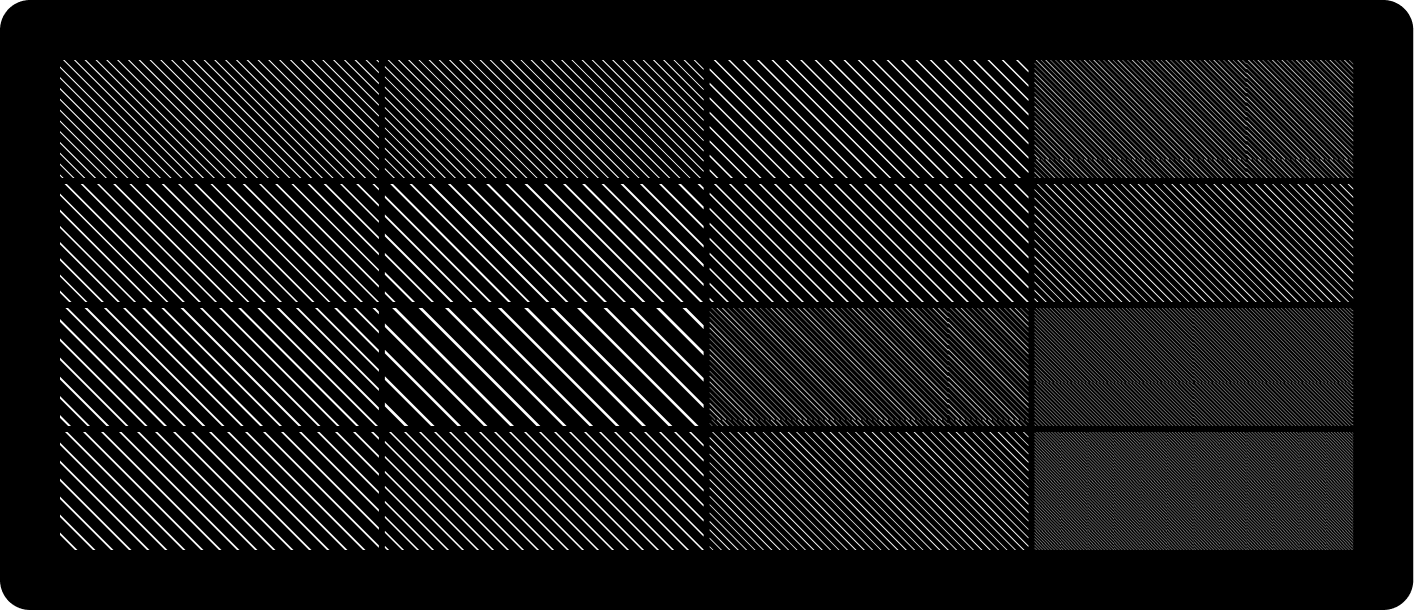
And that is what I did.